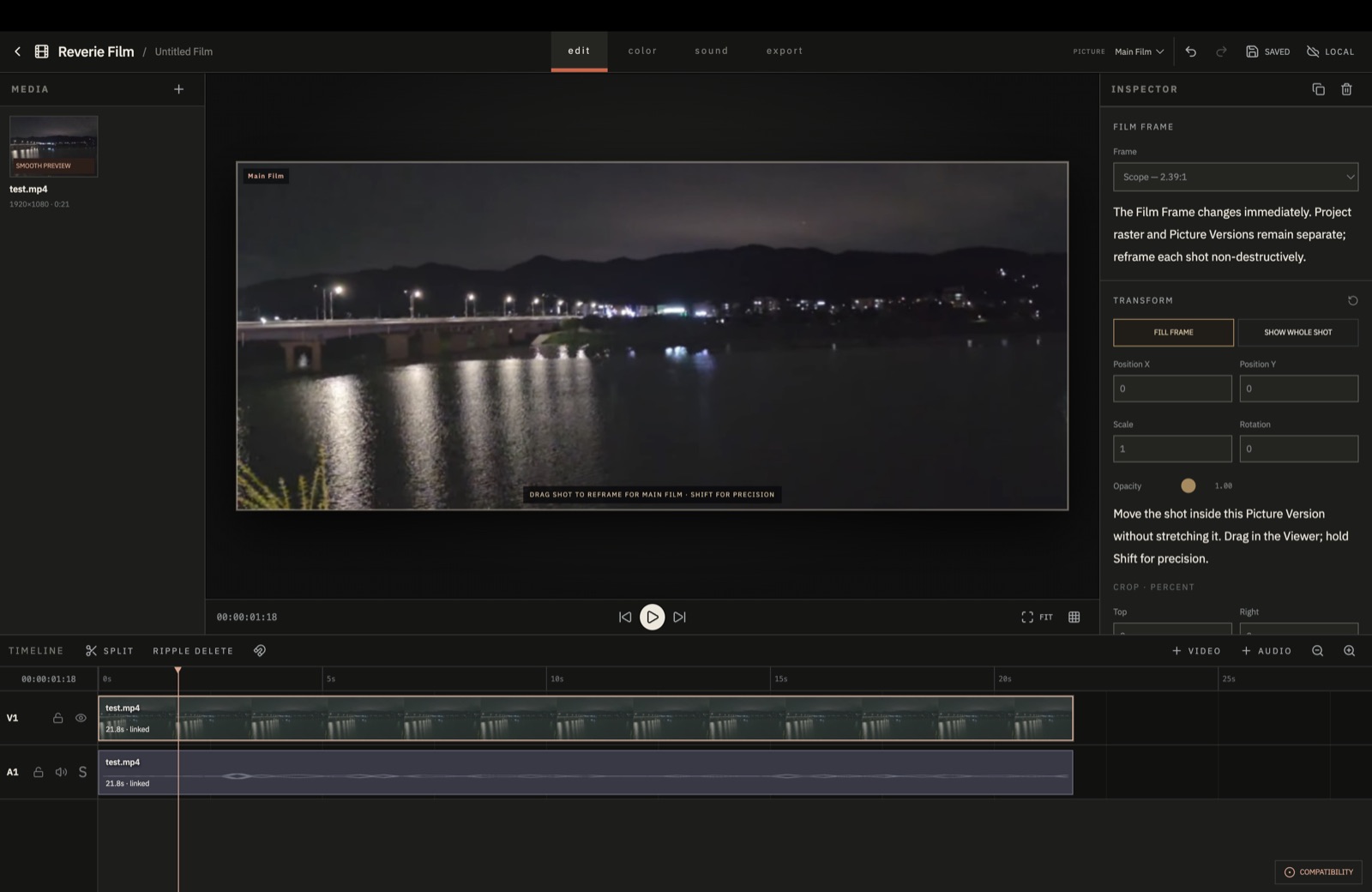
Aspect ratio and framing
Choose 2.39:1, 16:9, 4:3 and other ratios, then reframe individual shots without stretching the image.
 Reverie Film
Free · No account · Browser-based
No installation. No login.
Start editing in your browser.
Multitrack editing, color grading, aspect-ratio changes and spatial audio are available in one editor.
What Reverie is
Reverie is for controlling the composition, color, sound and timing of each shot—not assembling a short video from a template.
Your media does not need to be uploaded. Projects are stored in your browser.
Features
Choose 2.39:1, 16:9, 4:3 and other ratios, then reframe individual shots without stretching the image.
Adjust exposure, contrast, curves and presets. Local AI masks can separate a subject from the background when needed.
Add video and audio tracks, then trim, move, align, split and ripple-delete clips.
Place mono effects in 3D space and animate their position with keyframes. Preview on headphones or export channel-based 5.1 WAV.
Imported media is not uploaded to a server. Editing and final rendering happen in the browser.
Color
Start with a preset, then adjust exposure, contrast, temperature and curves. Every adjustment remains non-destructive.
Start color grading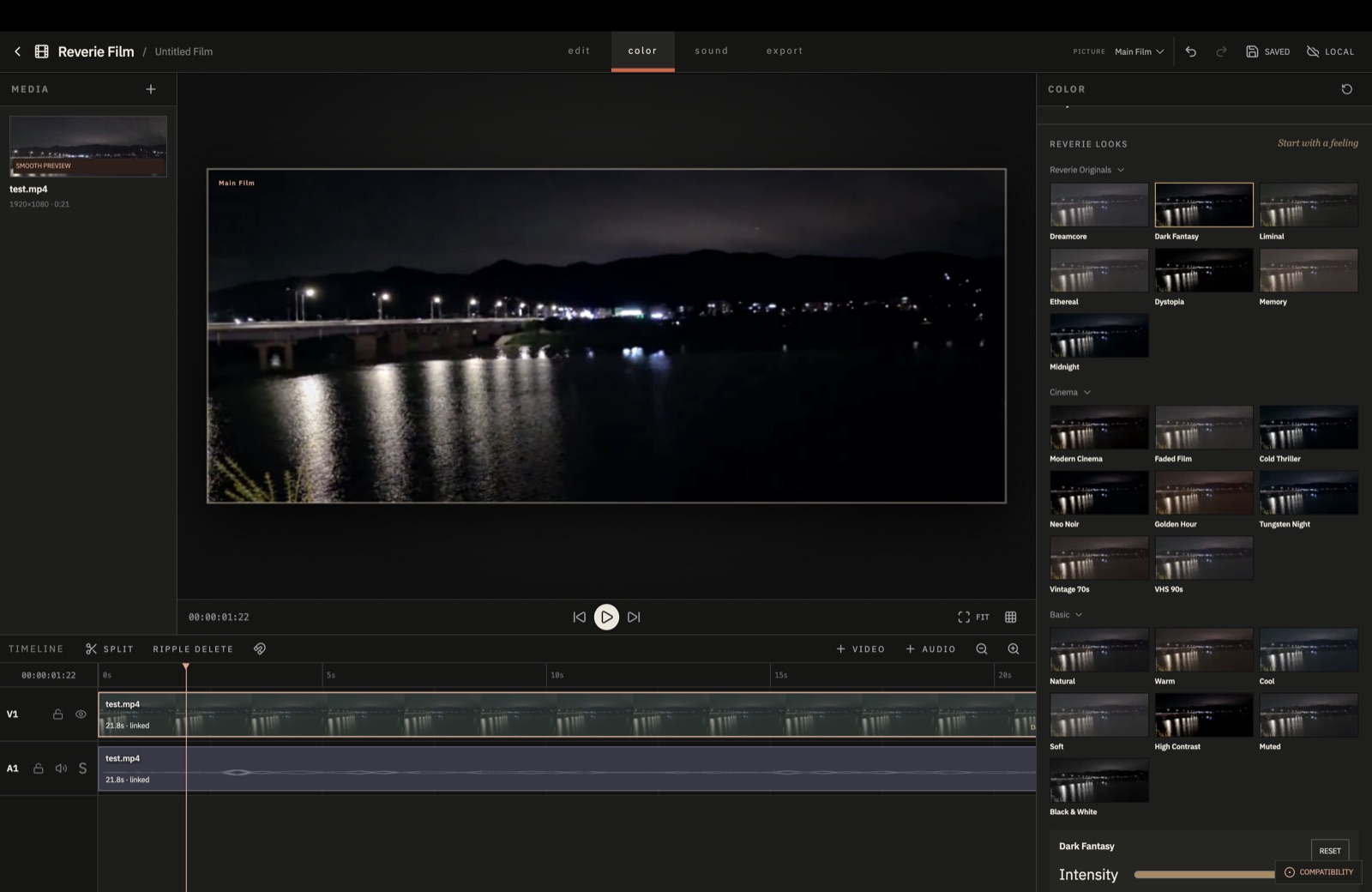
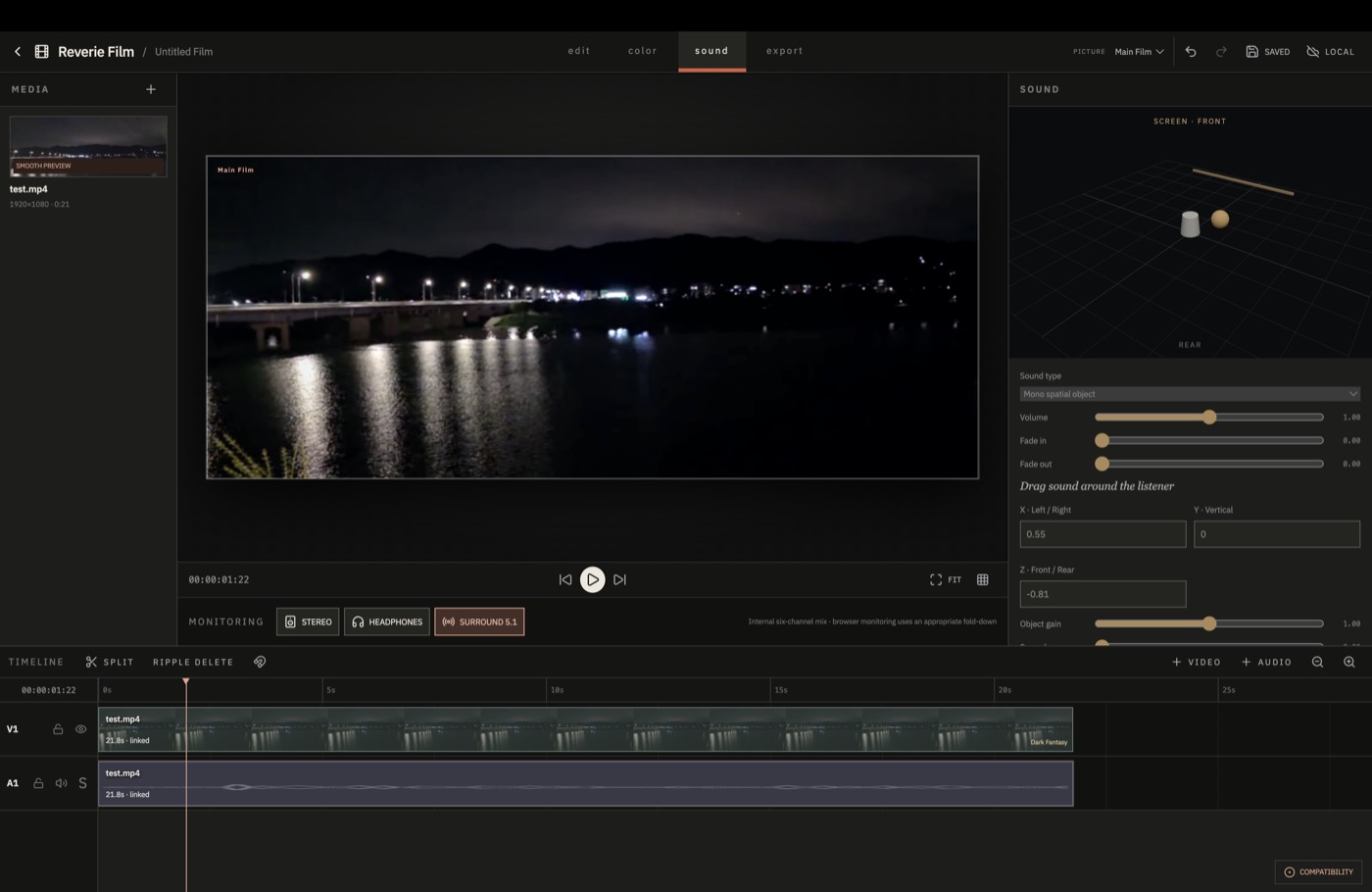
Spatial audio
Place an effect at a fixed point or move it from one side of the frame to the other over time.
Position keyframes use the same timeline as the picture, so motion is easy to align.
Open the sound workspaceHow it works
Bring in video, audio and still images.
Cut, move and align clips across multiple tracks.
Grade each shot and position the sounds you need.
Render MP4, MOV, WebM or 5.1 WAV.
Local processing
Imported media, proxies and project data use storage on this device. Final files are rendered in the browser as well.
FAQ
The main editing features are free to use and no account is required.
No. Imported media and project data are processed in your browser and on your device.
We recommend the latest version of Chrome. Some features and export options can work differently in other browsers.
Not yet. It provides binaural headphone monitoring and channel-based 5.1 WAV export instead.
Start now
No installation. No account.
Open the editor